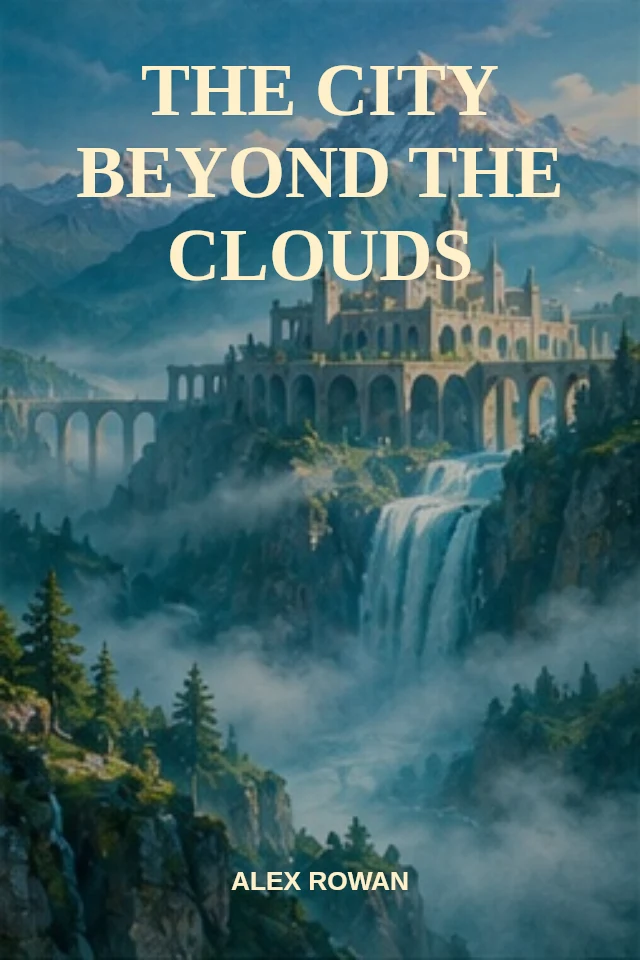
Fiction
Fantasy, romance, mystery, thriller, sci-fi, horror, historical and more. Shape the atmosphere, story hook, character, symbolism and typography to match reader expectations.

Explore dozens of genre-aware strategies, create artwork with your own OpenAI key, refine the type and export a cover worth showing off.
Get access ↗See the covers ↓Fiction and non-fiction · Your own OpenAI API key for direct AI features · Payhip checkout
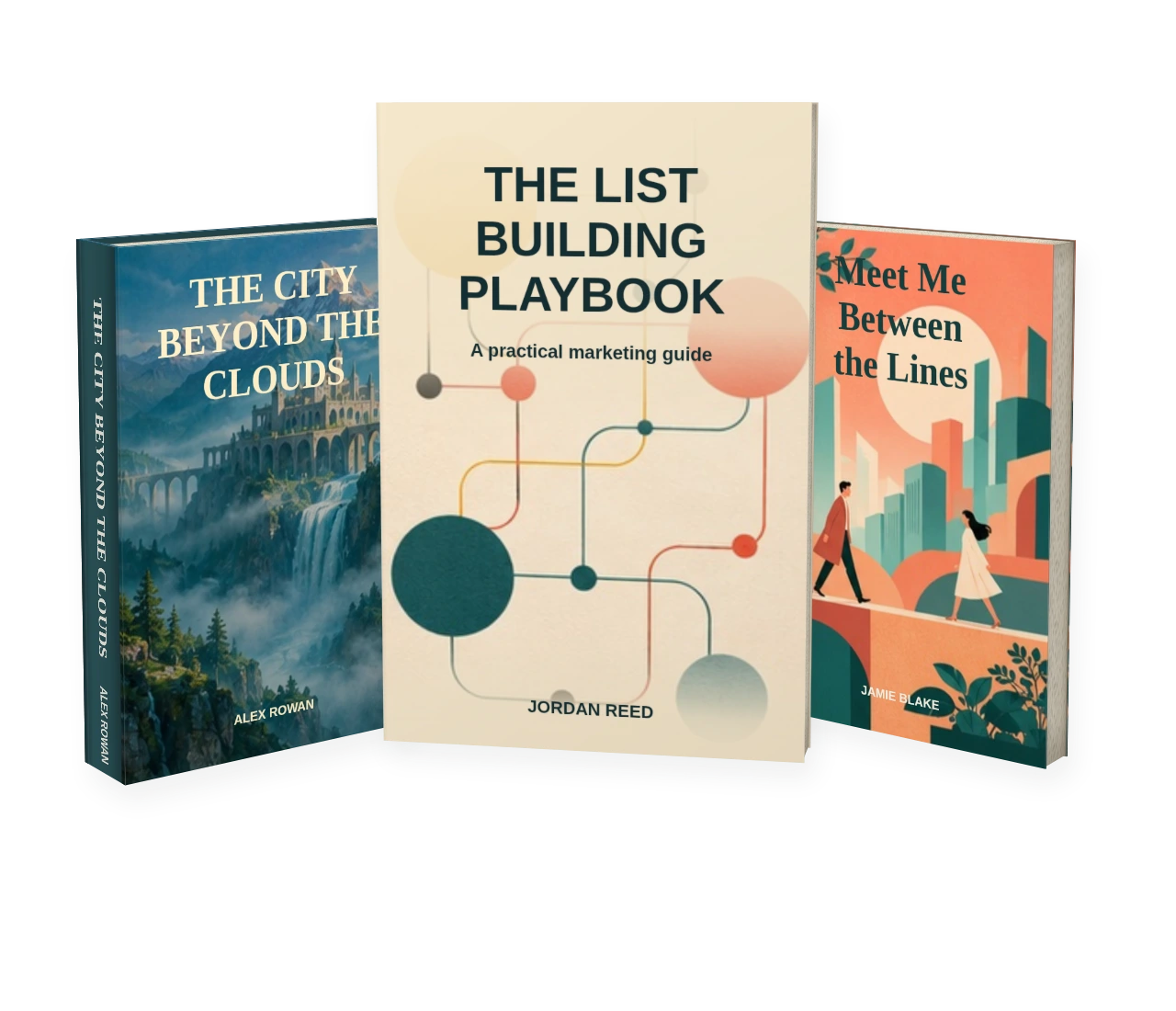 Demonstration designs · Rendered with the studio mockup engine
One studio, completely different visual languages. Browse finished designs and discover the designers behind selected community covers.
Fictional books composed using the studio cover editor with illustrative artwork. These examples are not customer testimonials or claimed live AI generations.
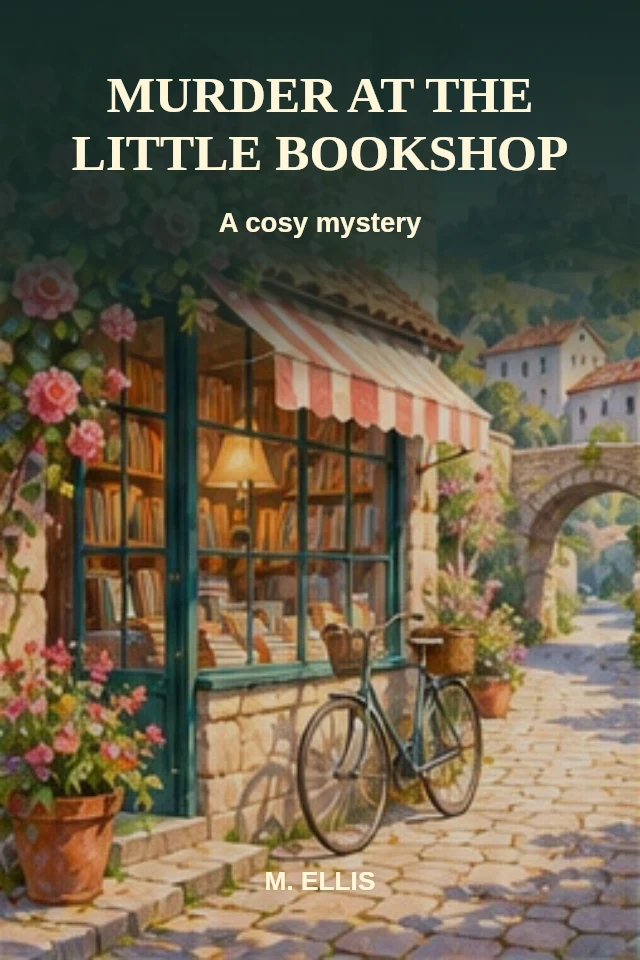
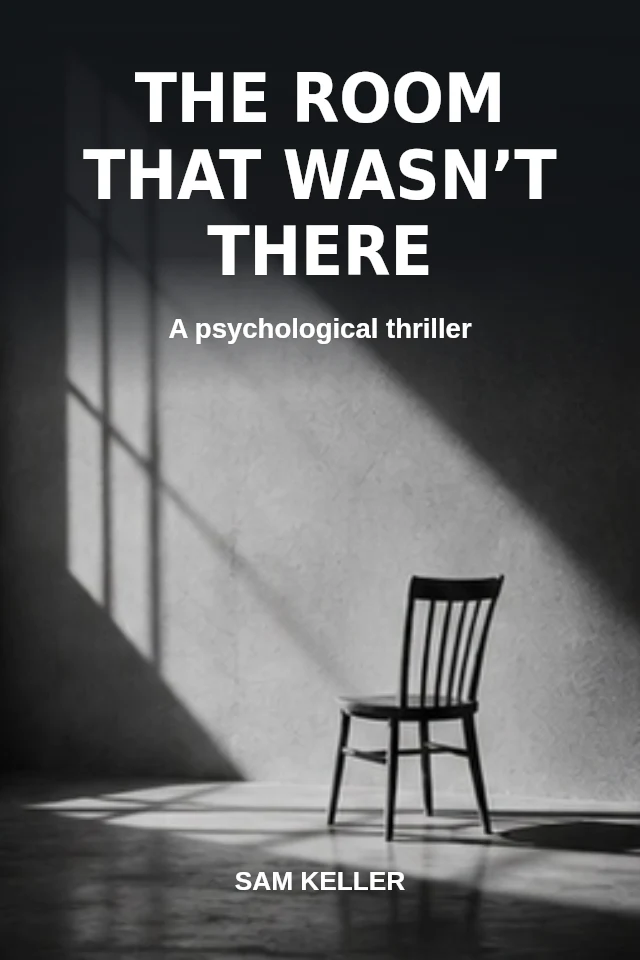
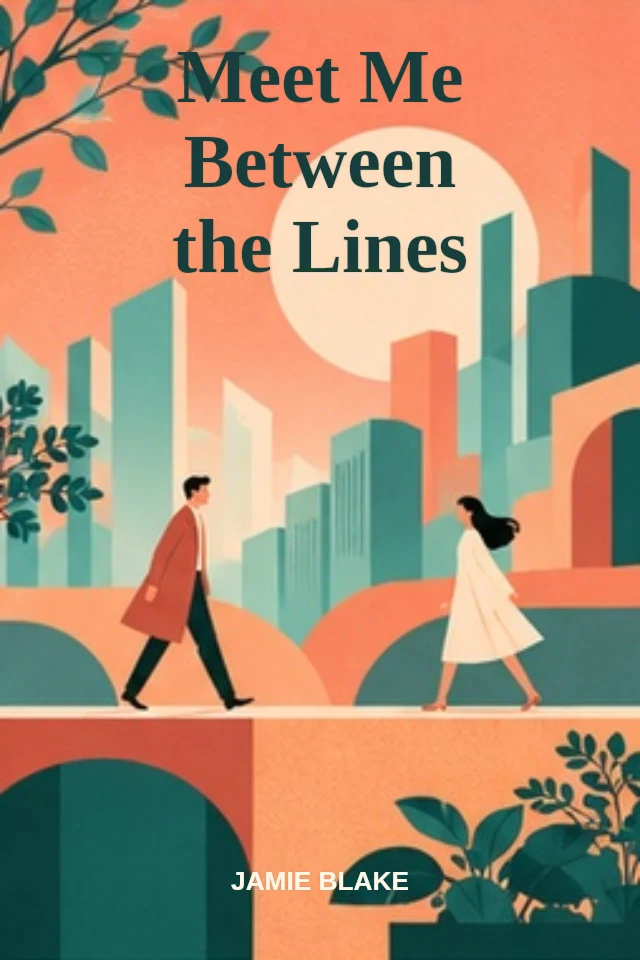
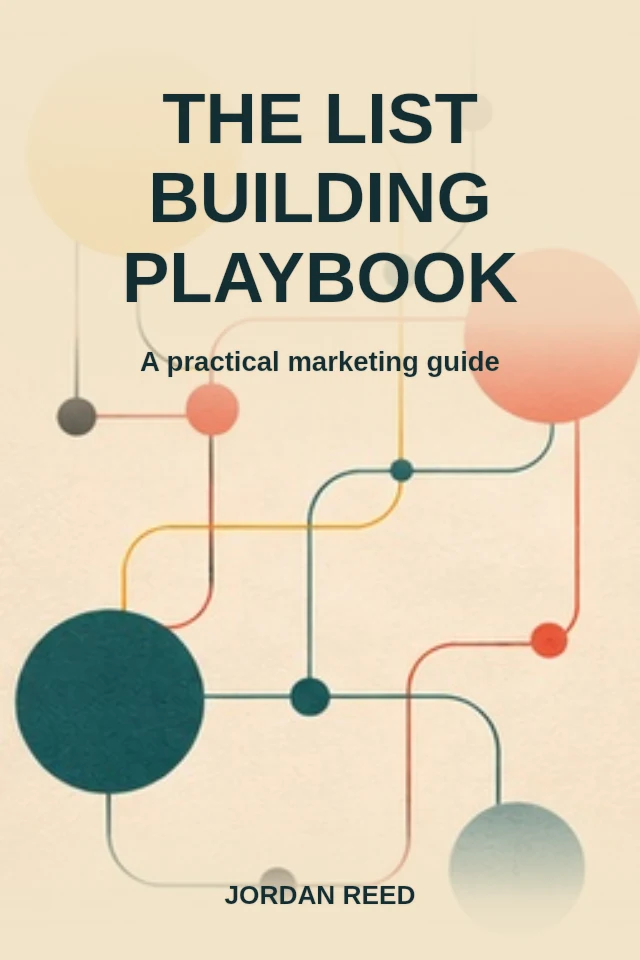

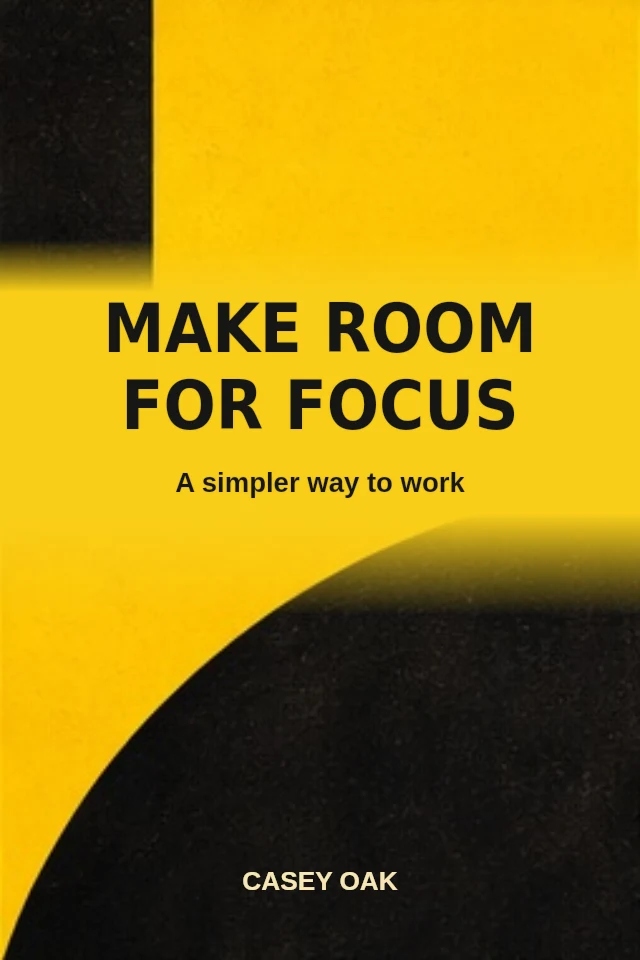
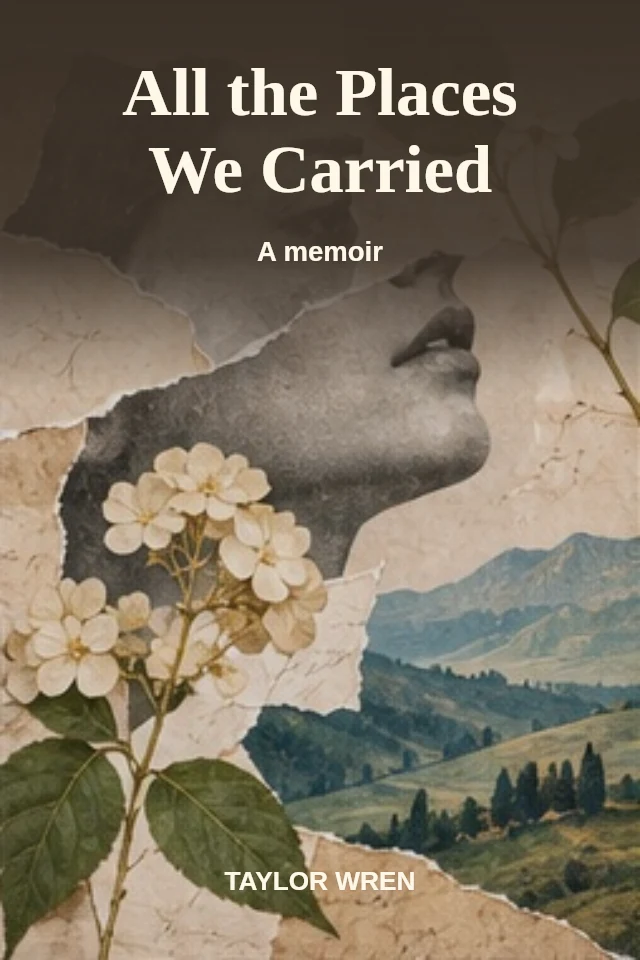
Designers can submit finished covers voluntarily, with a public designer name and chosen website or book link. All submissions are reviewed before publication; your projects remain private unless you choose to share.
A cosy mystery has no business looking like a psychological thriller. A marketing guide doesn't need another man pointing at a laptop.
Yeti starts with the genre, subject and reader — then develops distinct concepts instead of recolouring the same picture.
Explore distinct focal subjects, compositions, visual metaphors and rendering media. Choose Surprise Me, or use Let the Studio Decide for four book-specific AI-personalised directions and a creative rationale using your own key.






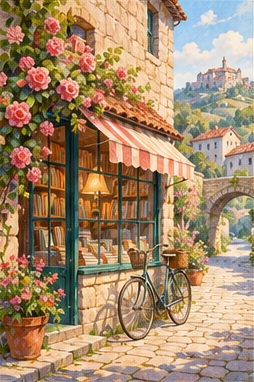
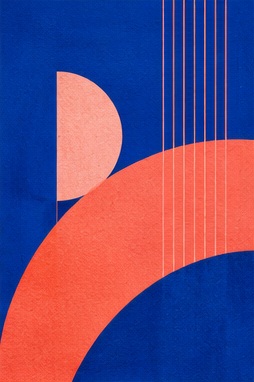

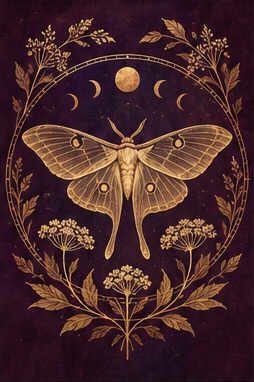

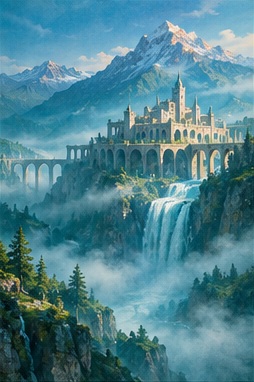
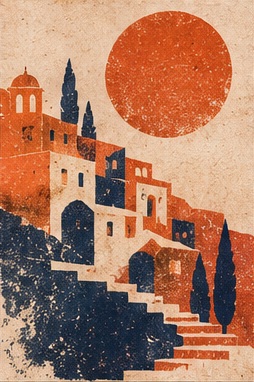
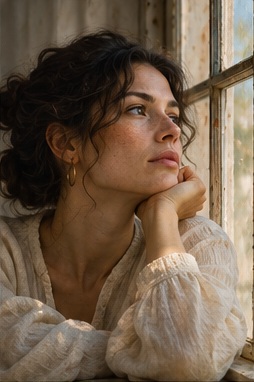


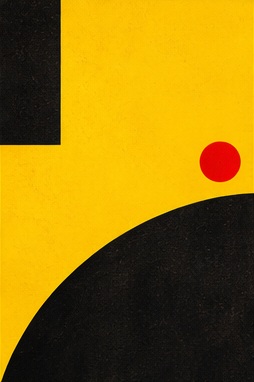


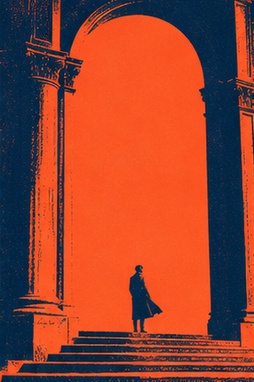


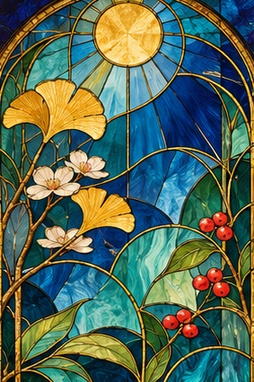

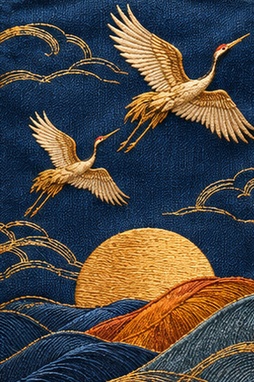

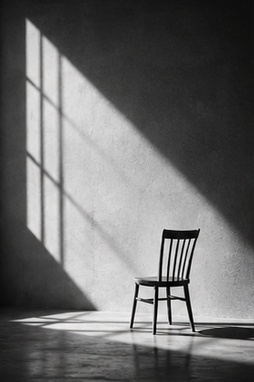

Fantasy, romance, mystery, thriller, sci-fi, horror, historical and more. Shape the atmosphere, story hook, character, symbolism and typography to match reader expectations.
Business, self-help, finance, health, productivity and memoir. Start with authority, clarity, reader promise, credible imagery and subject-specific visual metaphors.
Choose a publication type and genre. Enter the exact title, audience and a brief.
Get four illustrated creative directions. Browse the starter library and curated palettes, or request personalised AI planning.
Generate original artwork with your own OpenAI key, copy a detailed artwork prompt, or import your existing image.
Edit title layers, inspect thumbnails, save the review checklist, request vision critique and export.
Search visual strategies by genre, read a structured prompt and use a direction as the starting point for your next project.
Explore 28 colour systems across different visual approaches, add your own title, subtitle and author to local cover previews, then apply the colours and typography to your brief.
Track your own quality review: spelling, contrast, thumbnail impact, genre cues, print margins, rights and more. Save it with each design.
Save recurring characters, reference images, palettes, motifs, typography, framing and previous covers. Reuse your textual rules across new books.
Keep exact title, subtitle and author text in separate editable layers; inspect the finished cover with your own vision-capable AI model. Always proofread.
See the latest composed cover on each project card. Return to your private designs, export again, or opt in to the moderated showcase.
Discover genuinely distinct genre-aware combinations of artwork, composition, lighting, framing and type. Let the Studio Decide offers original book-specific recommendations and rationale using your own OpenAI key.
Shortlist up to four designs, compare their visual impact and request an optional AI creative review using your own key.
See your design among illustrative examples from the same genre at different thumbnail sizes. No claim of live market research.
Try a more luxurious, simpler or more commercial concept, change the palette or medium, or branch into a new interpretation. Your original design is retained.
Turn your finished artwork into perspective-correct 3D book mockups. Choose binding, camera angle, page count, paper and background, then download a 1800 × 2100 PNG. No additional AI call.
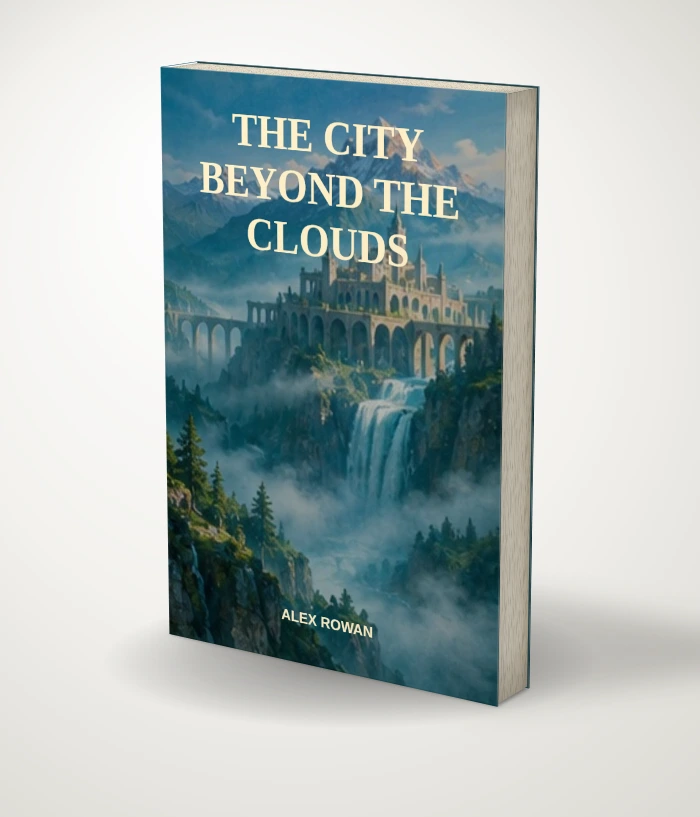
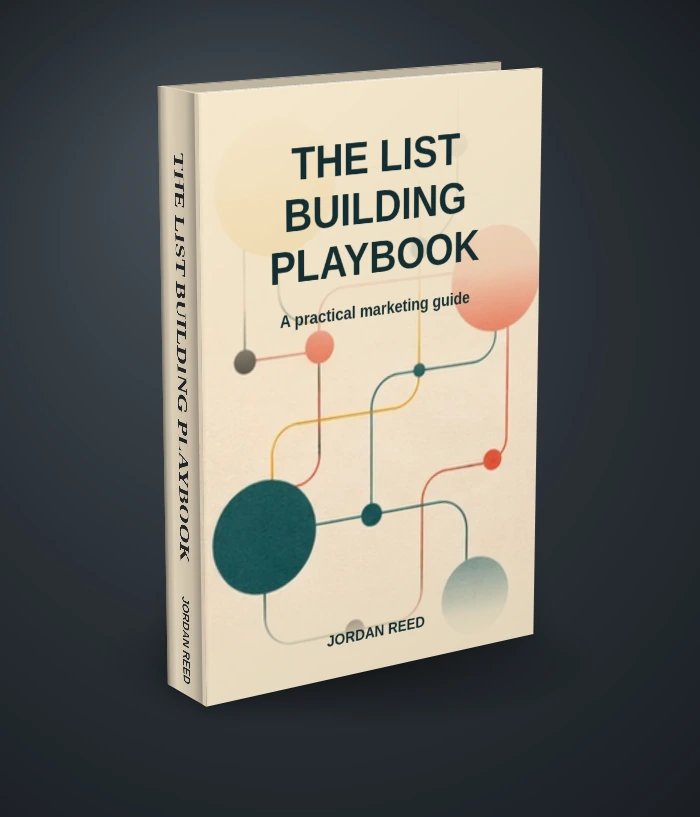
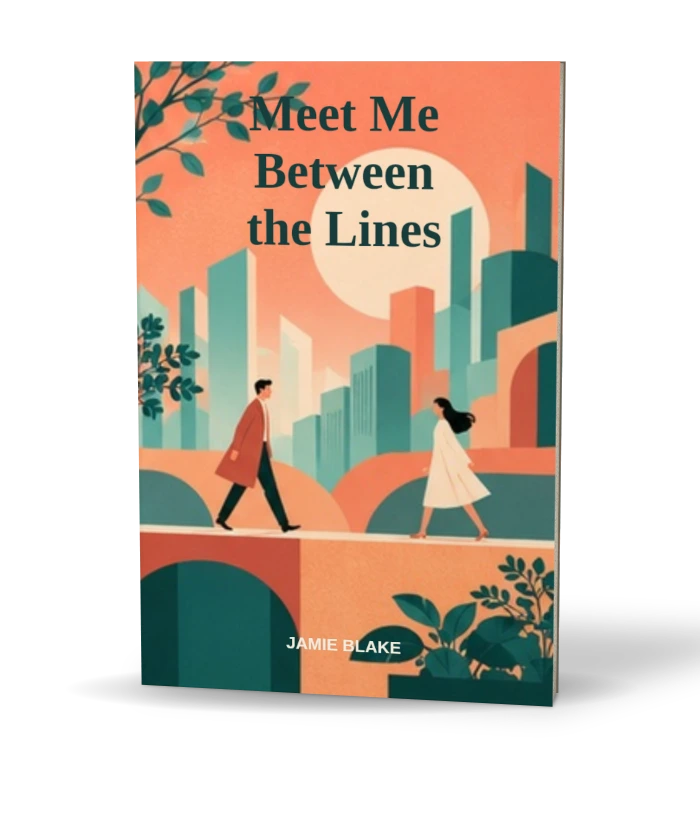
Mockups shown are rendered using the studio's 3D engine with demonstration cover artwork.
✦ Create four distinct genre-aware art directions using separate fiction and non-fiction market conventions.
✦ Explore photographic, illustrative, graphic, atmospheric and typography-led designs.
✦ Use your own OpenAI API key to generate original artwork or copy detailed prompts into your image workflow.
✦ Edit title, subtitle and author layers independently of your artwork.
✦ Maintain a series identity with recurring characters, colours, motifs and typography.
✦ Export digital covers, thumbnail previews, promotional mockups and sized paperback wrap PDFs.
✦ Browse illustrated prompt starters and genre palettes; save a per-cover publishing checklist.
✦ Build a visual series board with private reference images and previous covers.
✦ Preview your real book text across palettes and different illustrative visual styles before paying for AI artwork.
✦ Compare saved or draft designs side by side, view a simulated genre shelf, and create targeted revisions without overwriting your original.
Create a more considered first impression without learning complicated design software. Standard creative directions, prompt library, editing and mockups require no AI charges. Direct AI generation, personalisation, comparison and critique always use your own OpenAI API key; provider charges are billed to your account.
Your own OpenAI API key is required for direct AI generation.
Get access ↗Standalone purchases are processed securely via Payhip.
For direct AI artwork, personalised creative direction, AI comparison and vision critique, yes: use your own OpenAI API key. Standard directions, prompts, editing imported artwork and browser mockups work without an AI request.
Export a Kindle-sized front cover or sized paperback wrap PDF with bleed and spine. Check the official publisher template, required print resolution, usage rights and AI disclosure obligations before uploading.
Yes. Save a name, recurring descriptions, palette, typography, framing and motifs, with private visual references and a shelf of previous covers. AI character likeness must still be checked manually.
The studio prioritises distinct creative strategies, artistic media and subject-specific concepts. AI imagery requires review; no service can guarantee legal uniqueness or sales.
No. Designs are private by default. You can explicitly submit a finished cover with your preferred designer name and HTTPS link for moderation. Withdraw sharing at any time; deleting the source design also removes the gallery copy.
Yes. Both are built into the same studio, using separate curated visual conventions for the genre and publication type. These conventions are not live bestseller research.